For businesses that frequently use WhatsApp, having a consistent WhatsApp button across multiple pages is helpful. This guide shows you how to create a reusable WhatsApp button in MaxiBlocks.
Benefits of a reusable WhatsApp button
-
Consistency: Ensures the same WhatsApp link is used across your entire website.
-
Easy updates: Only need to update the WhatsApp number in one place if it changes.
-
Time-saving: Quickly add the button to any page without recreating it each time.
-
Brand alignment: Maintain a uniform look and functionality for your contact options.
Pro tip: While this method doesn't provide a centralized options page, it offers a practical solution within MaxiBlocks. Creating a reusable button sets up a single reference point for your WhatsApp link, making it easier to manage sitewide.
Steps to create a reusable WhatsApp button:
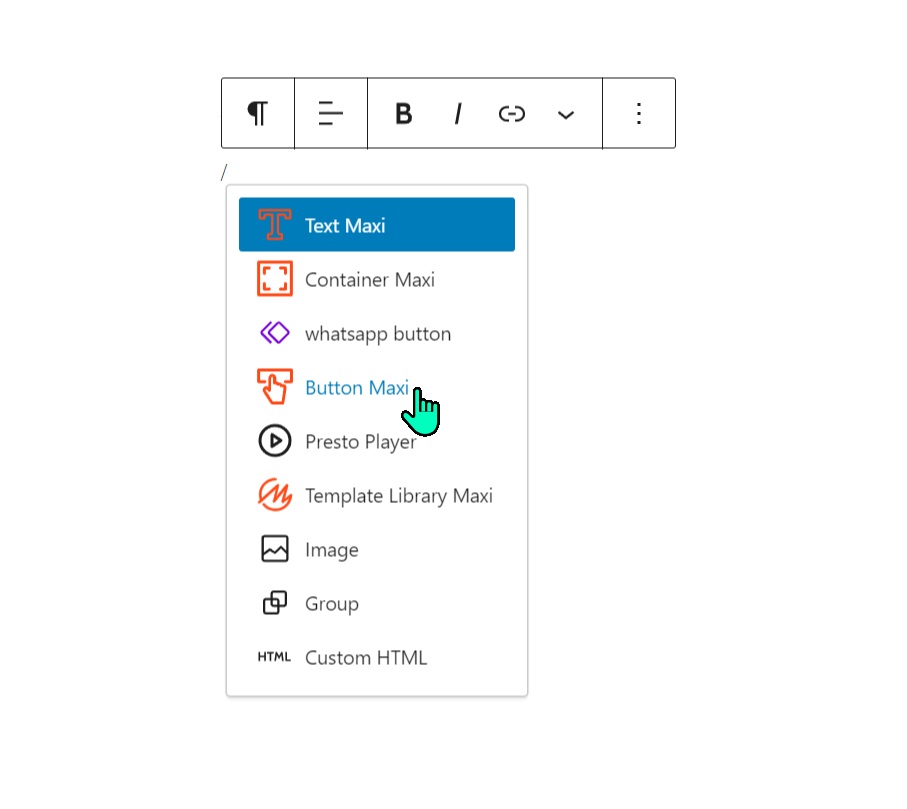
1. Add a Button Maxi block:
- Type "/" in the editor and select "Button Maxi"
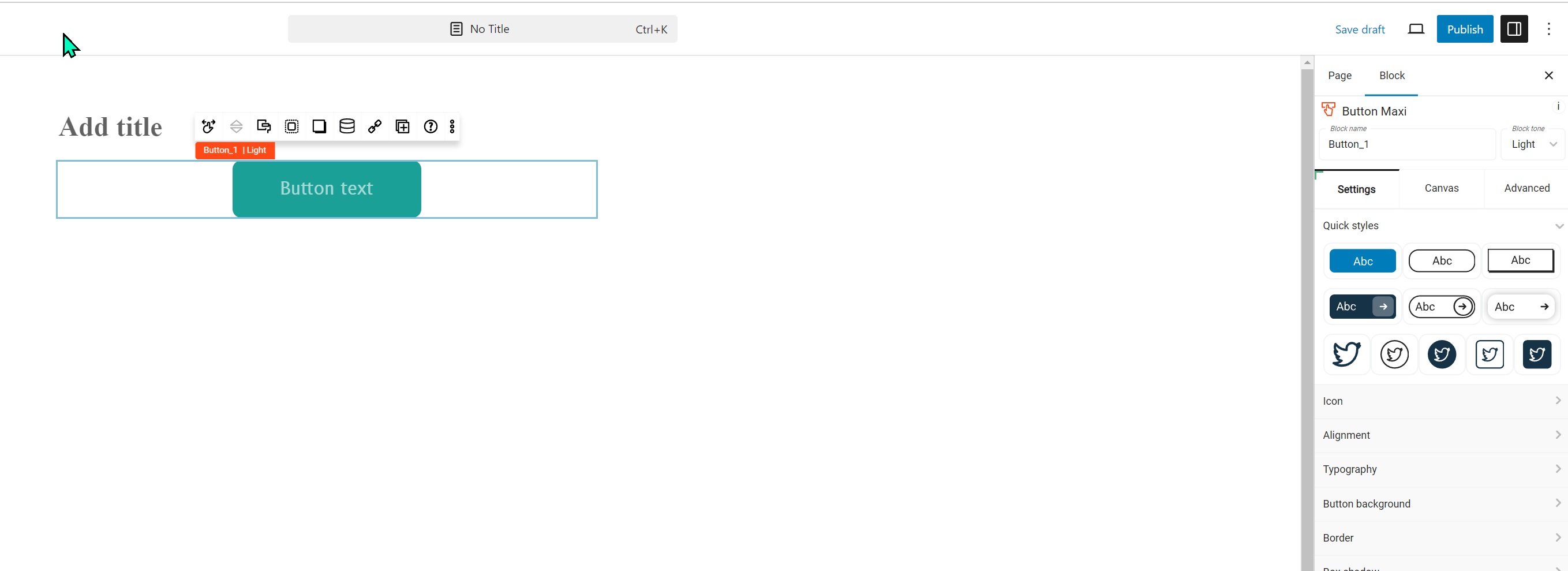
**2. Customize the button: **
- Open sidebar options
- Choose a quick style (optional)
- Select "Icon" and search to insert the WhatsApp icon
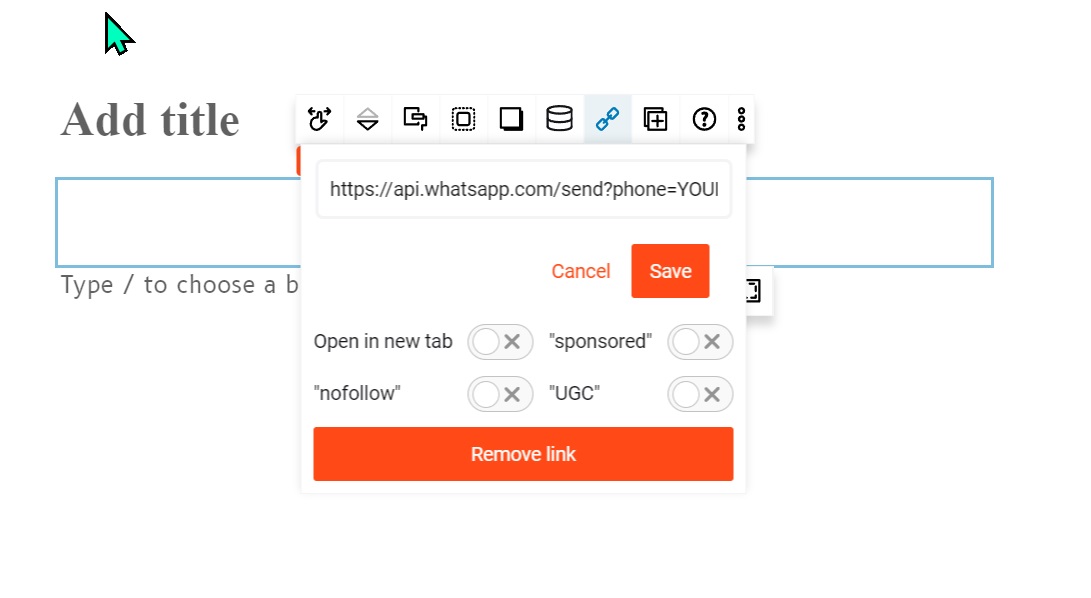
3. Set up the WhatsApp link:
- Click the button again
- Select the link icon in the toolbar
- Insert your WhatsApp conversation link
- Click save
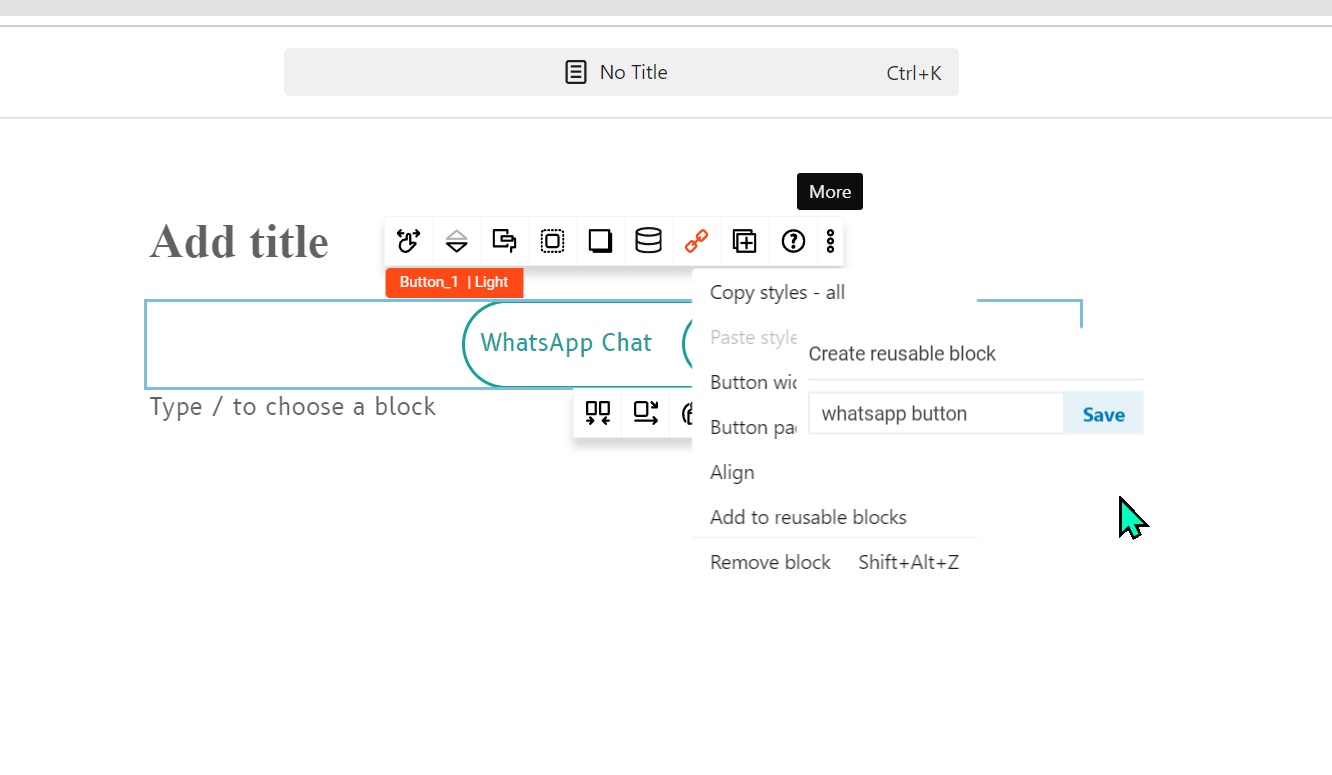
4. Make the button reusable:
- Click the three dots (...) in the toolbar
- Select "Add to reusable blocks"
- Name it "WhatsApp button" and save
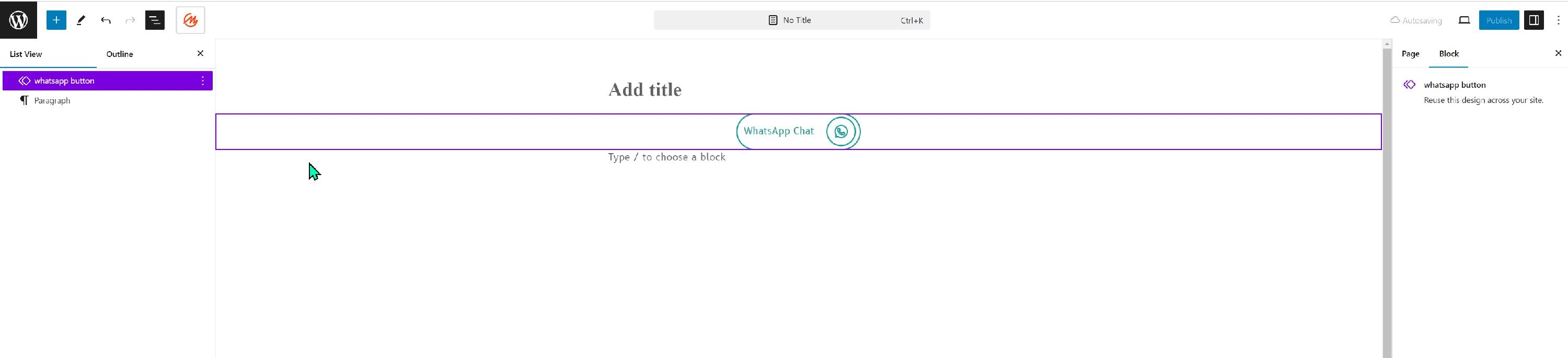
5. Use the reusable button:
- On any page, click the block inserter (top-left)
- Go to the "Patterns" tab
- Search for "WhatsApp button" or check "My patterns"
- Click to insert the button on your page
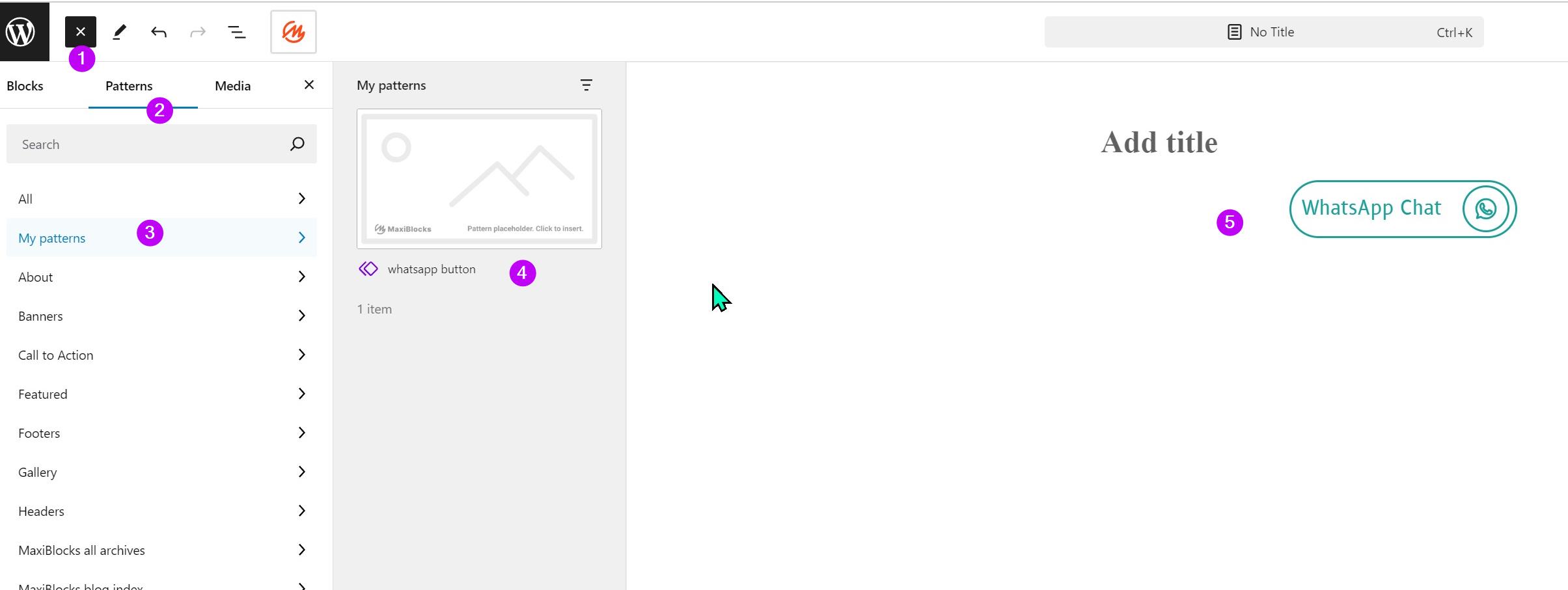
Following these steps creates a reusable WhatsApp button that can be easily added across your website.