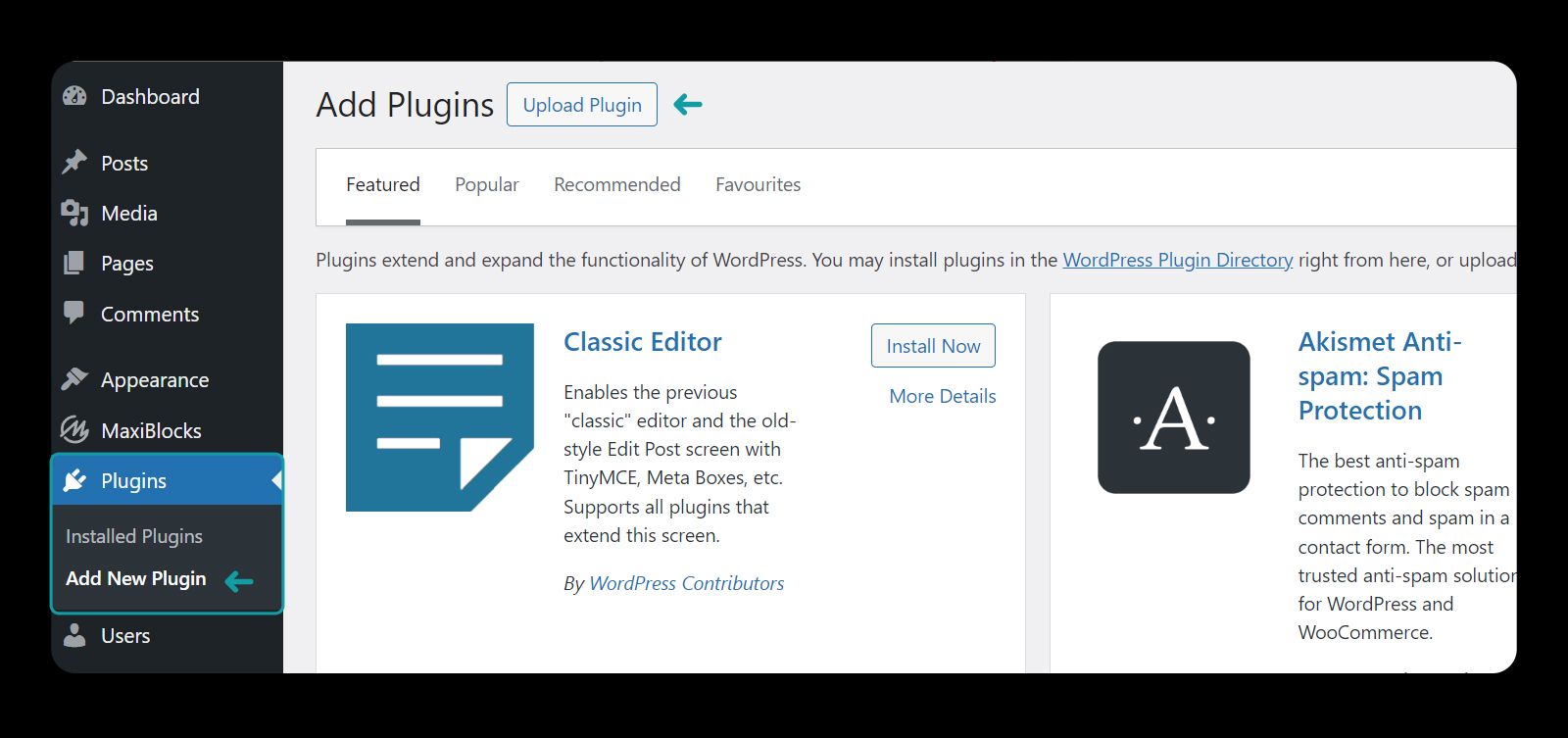
Installing the Maxi Blocks plugin
Installing MaxiBlocks Plugin
Log in to your WordPress dashboard
Navigate to Plugins > Add New.
To install:
Upload the downloaded ZIP file and click Install Now.
Or, search “MaxiBlocks” under Plugins > Add New.
Note: After installing, make sure to activate the plugin.
Optional: Adjust settings to fit your preference anytime.
Congratulations! You're now equipped to build amazing web pages with MaxiBlocks.