Method one - Use the toolbar breadcrumbs
Click on any element on the pattern.
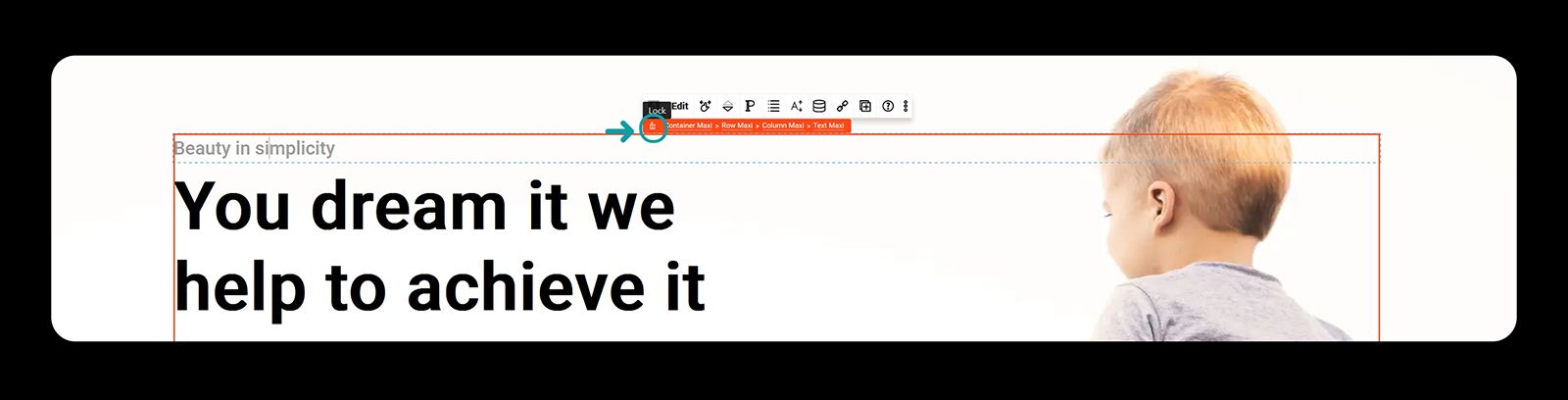
Hover on the orange breadcrumbs
Lock them to keep them open
Select the container
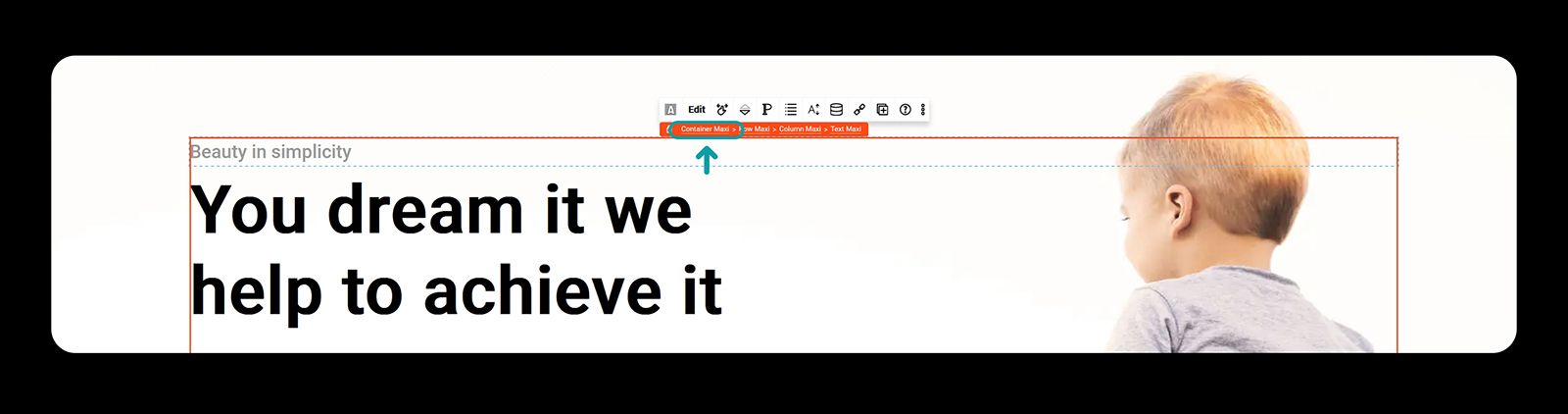
Make sure the container is selected and open the sidebar
Toggle open the background layer settings tab
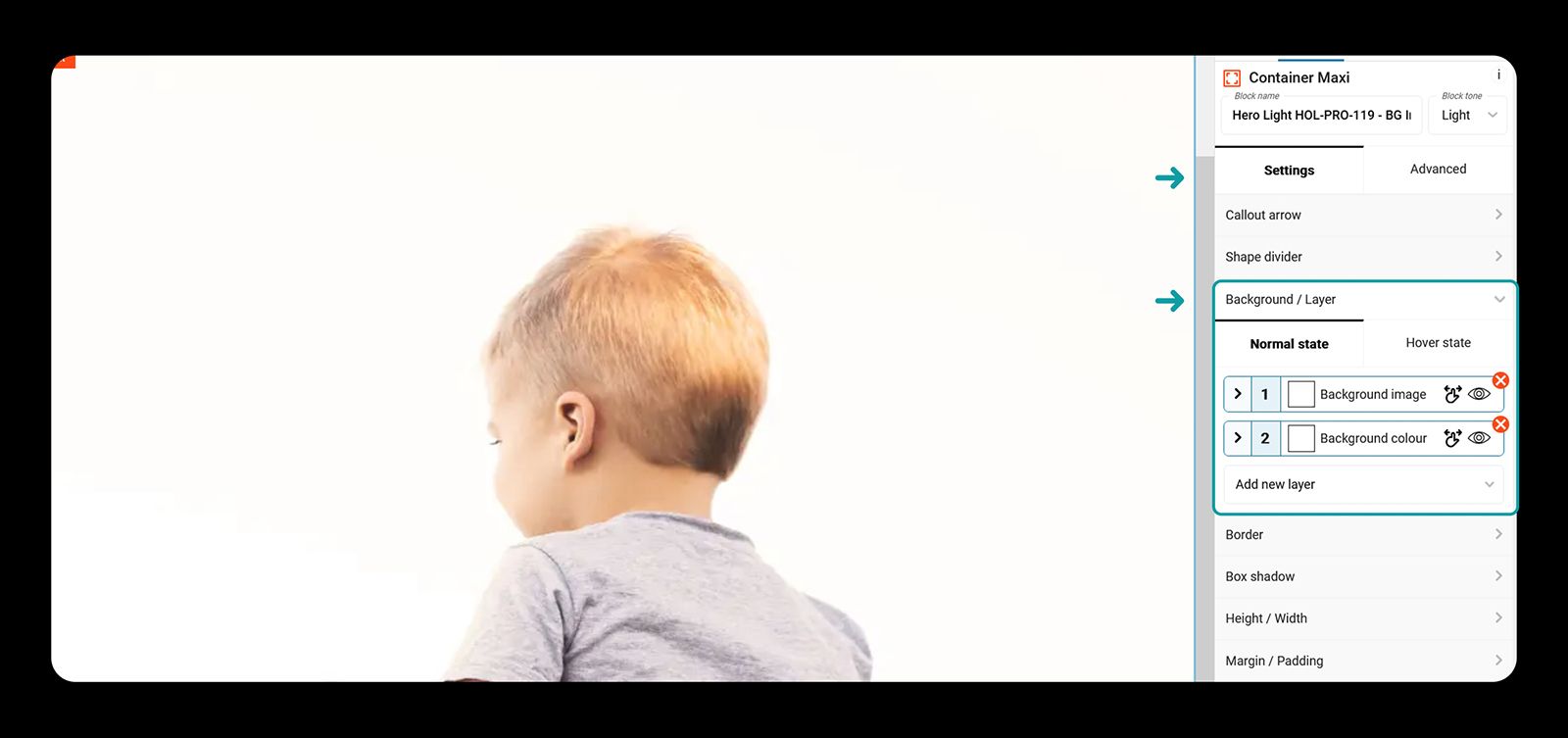
Toggle open the background layer settings
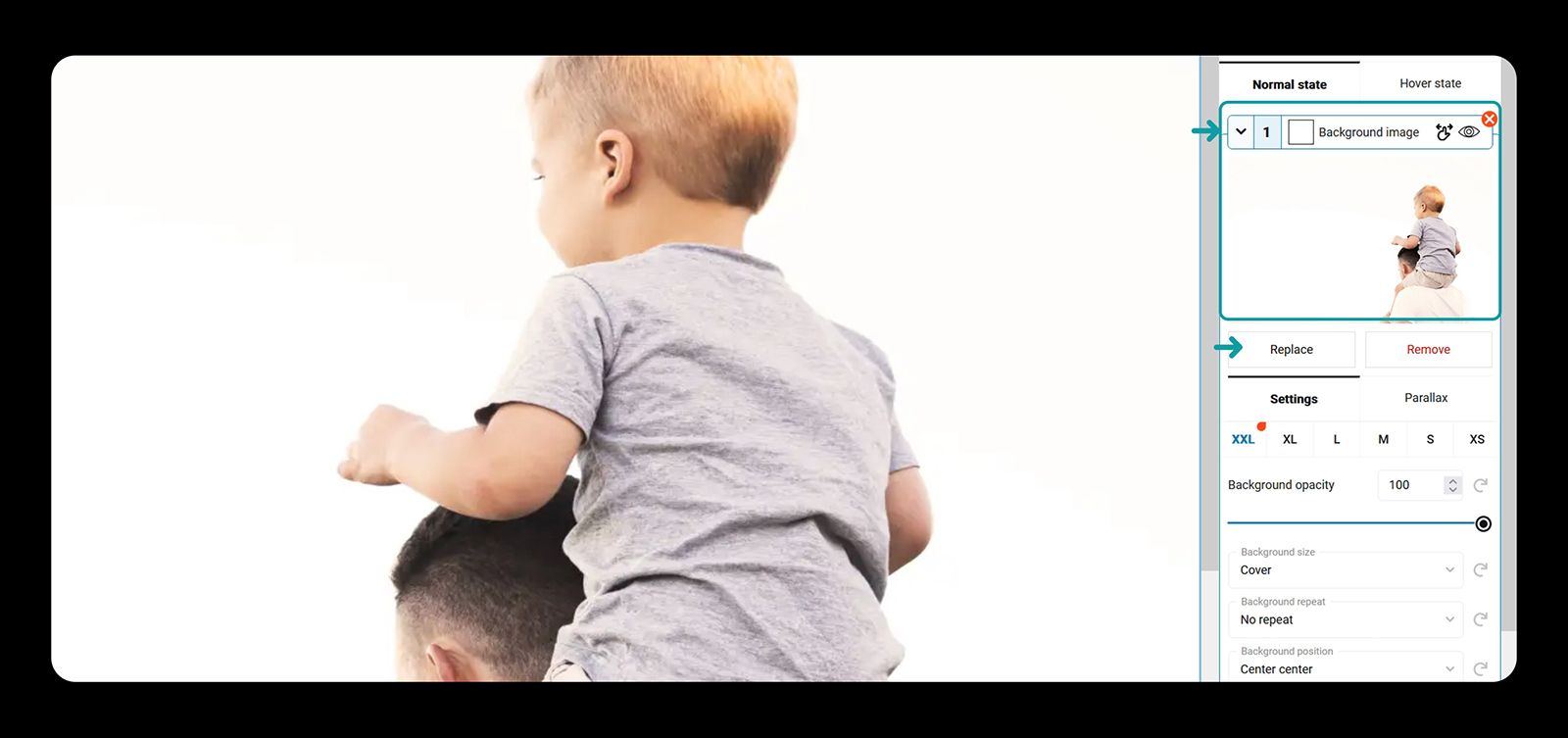
To change the image simply click on it or click on the replace image button
Method two - Use the toolbar document overview
Click on the pattern
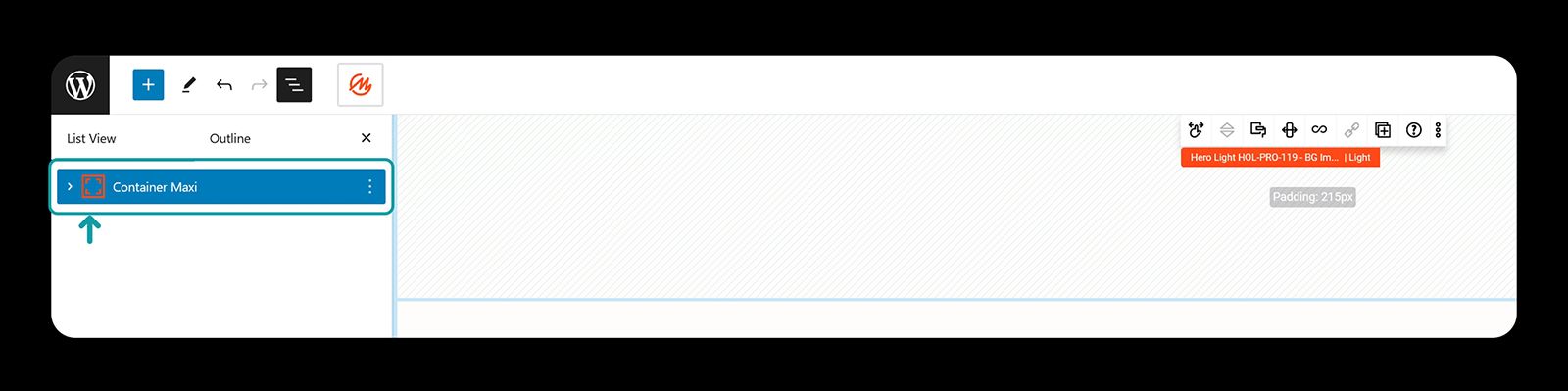
Toggle open the document overview
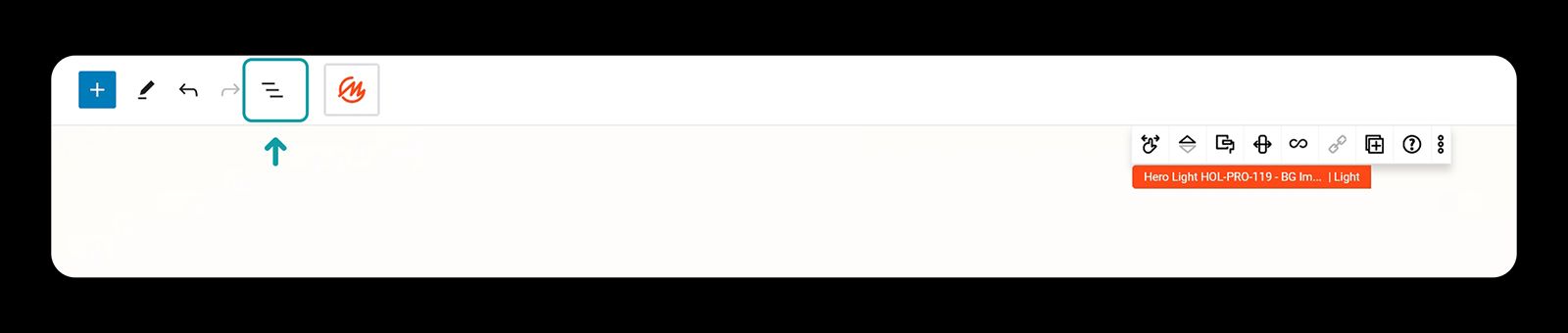
Select the container