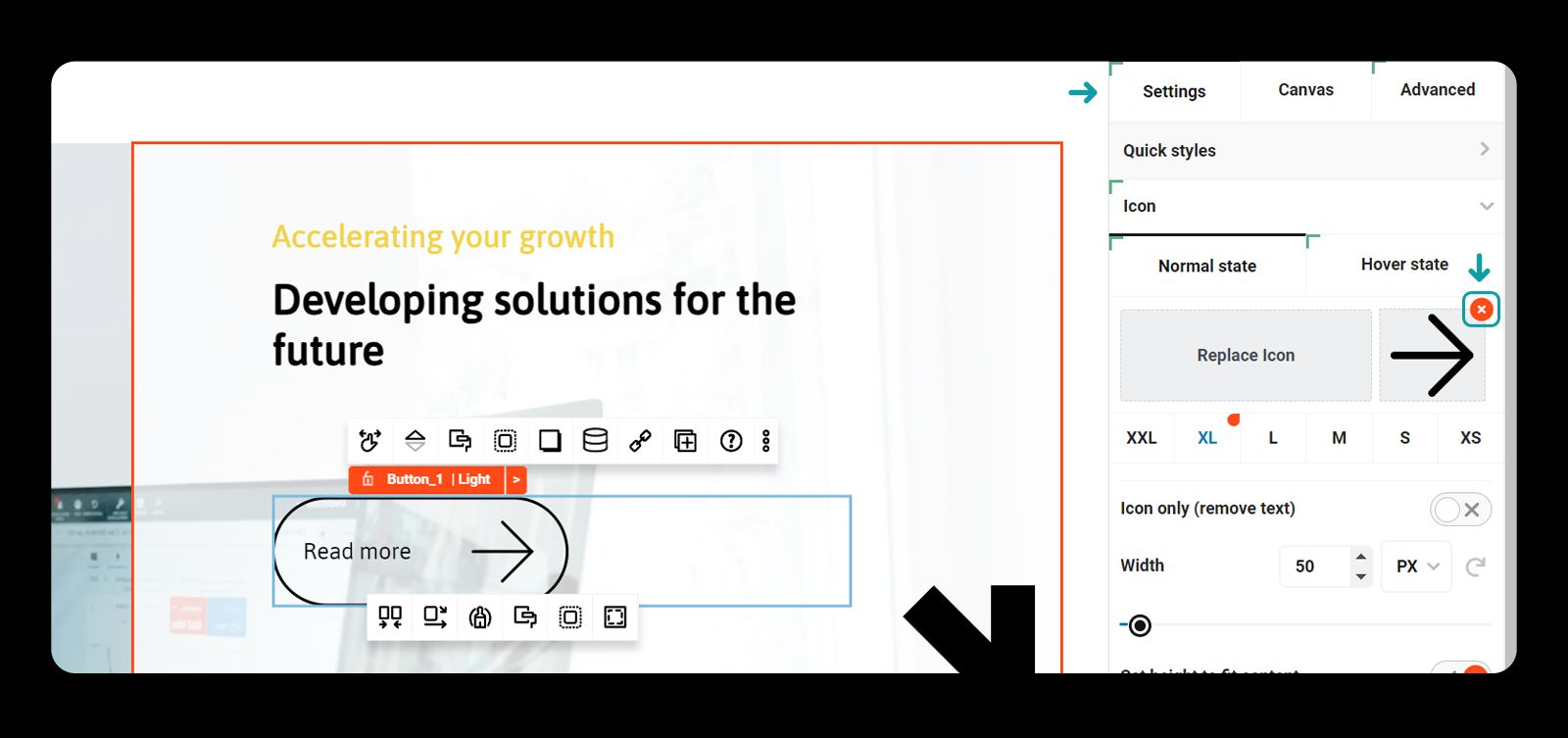
How to add and remove icons from buttons
How to change an icon
- Select the button
- Toggle open the button sidebar settings
- Open the icon settings
- Select your icon
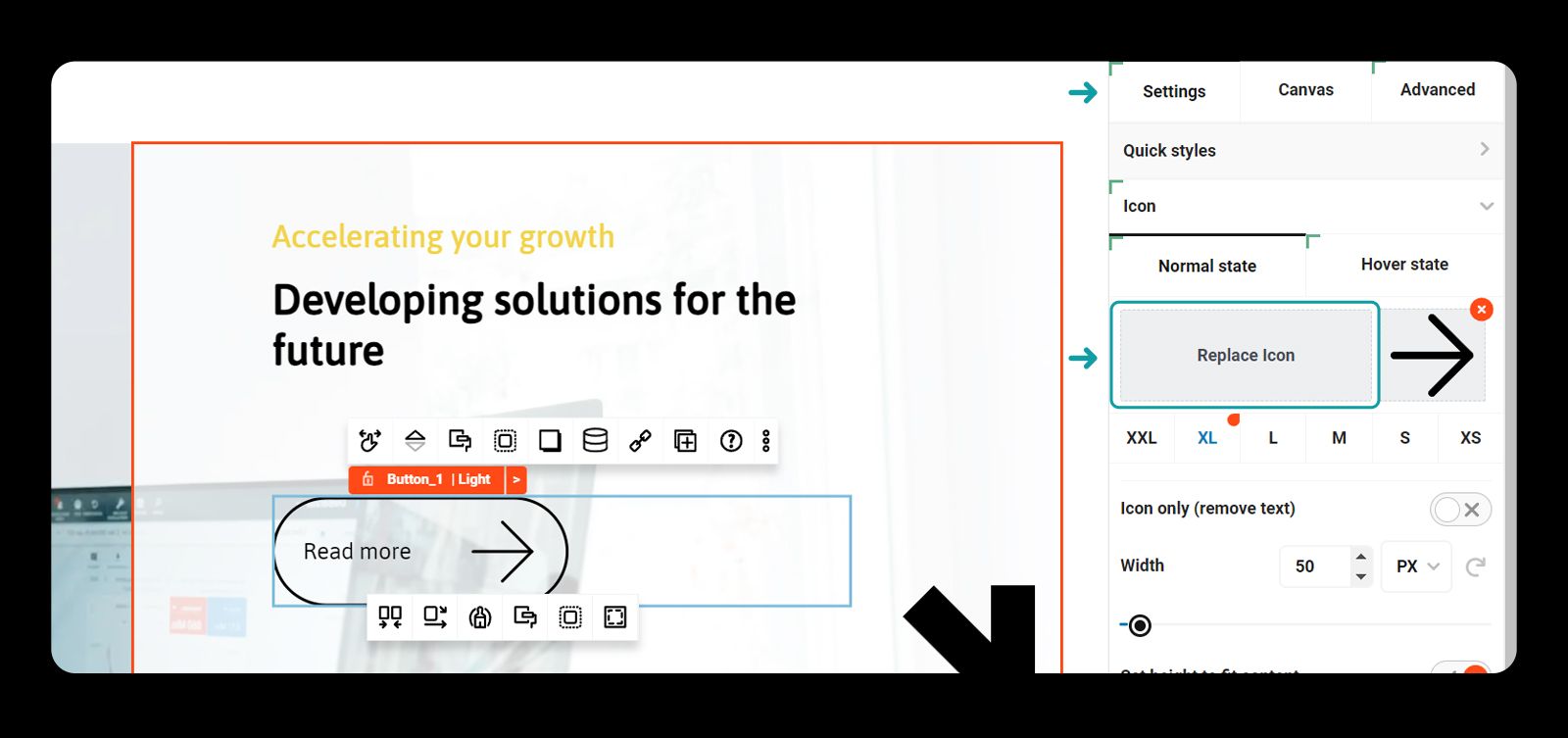
Method 1: Remove an icon
- Select the button
- Toggle open the button sidebar settings
- Open quick styles
- Select the style without the icon
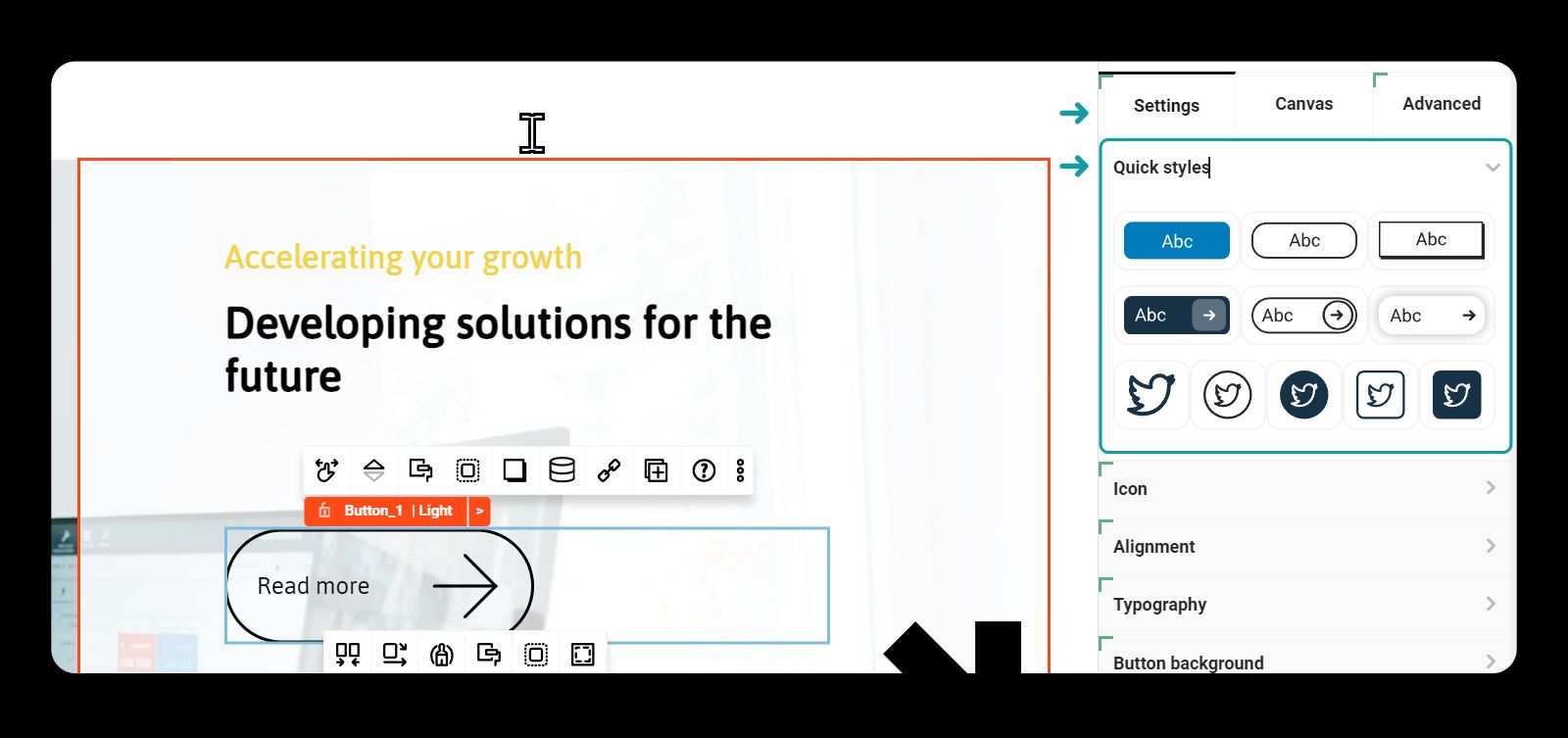
Method 2: Remove an icon
- Select the button
- Toggle open the button sidebar settings
- Open the icon settings
- Delete your icon