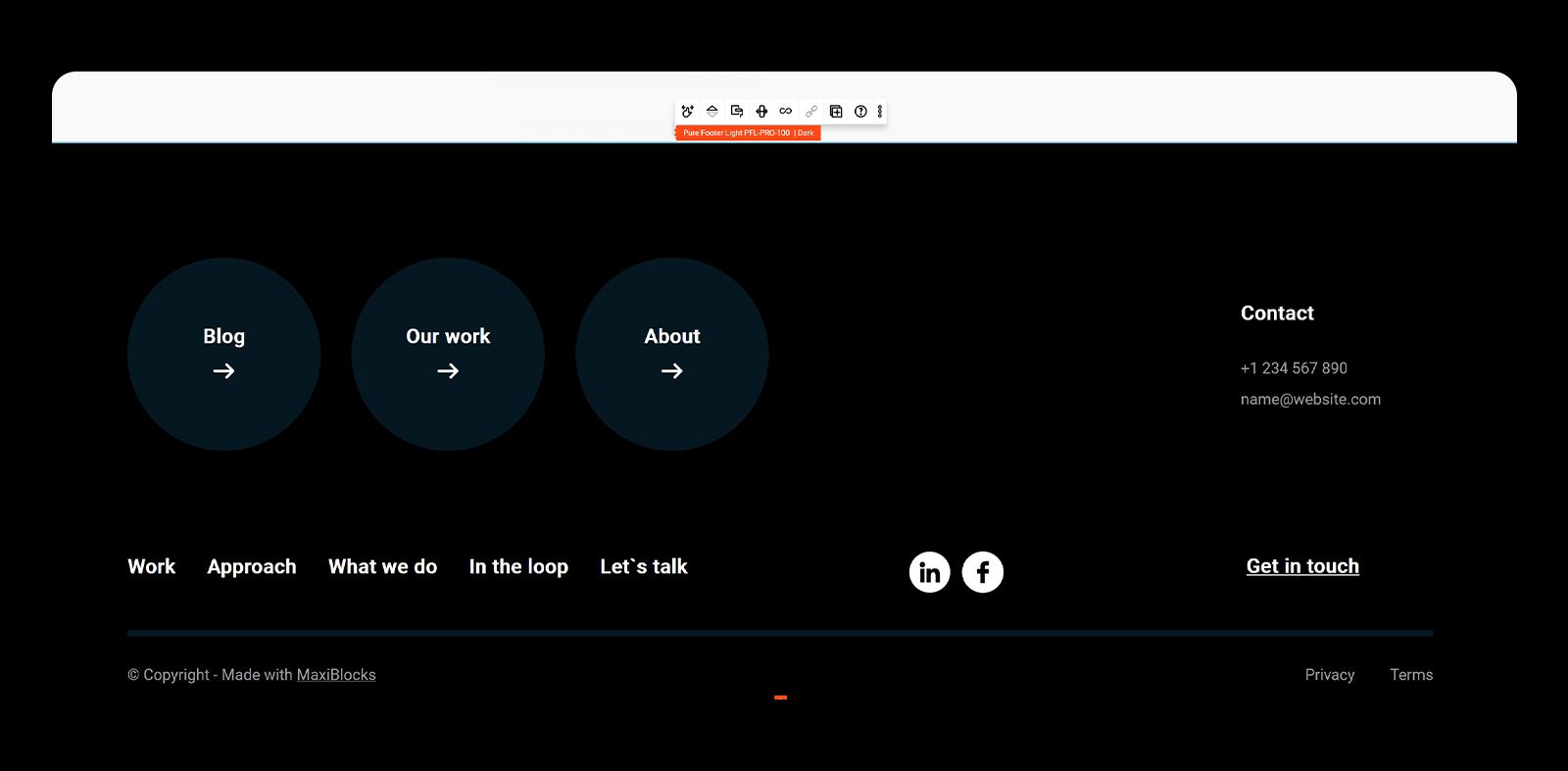
Switching dark & light pattern tone
With Maxi Blocks you can change the tone of a pattern with a single mouse click.
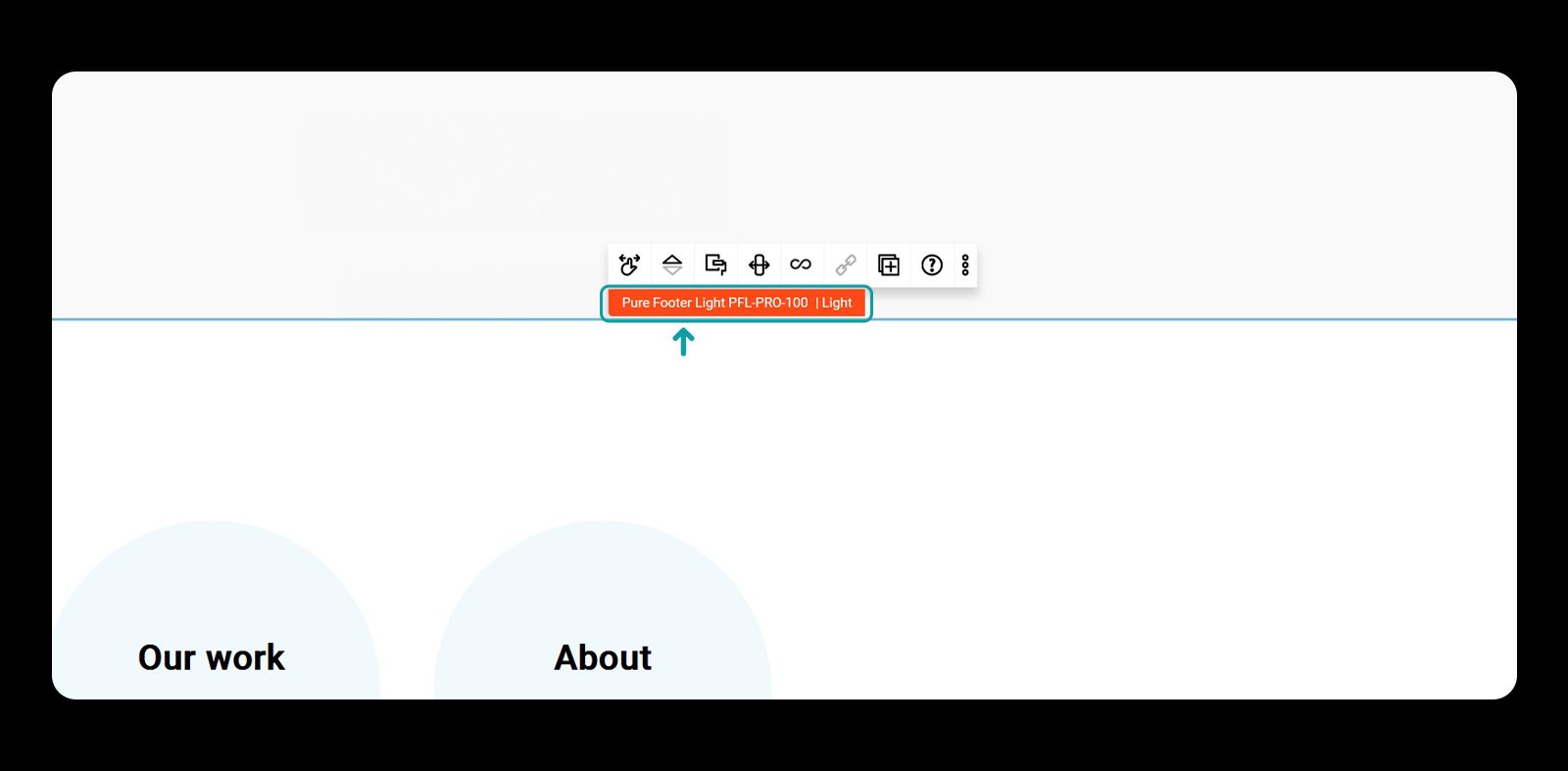
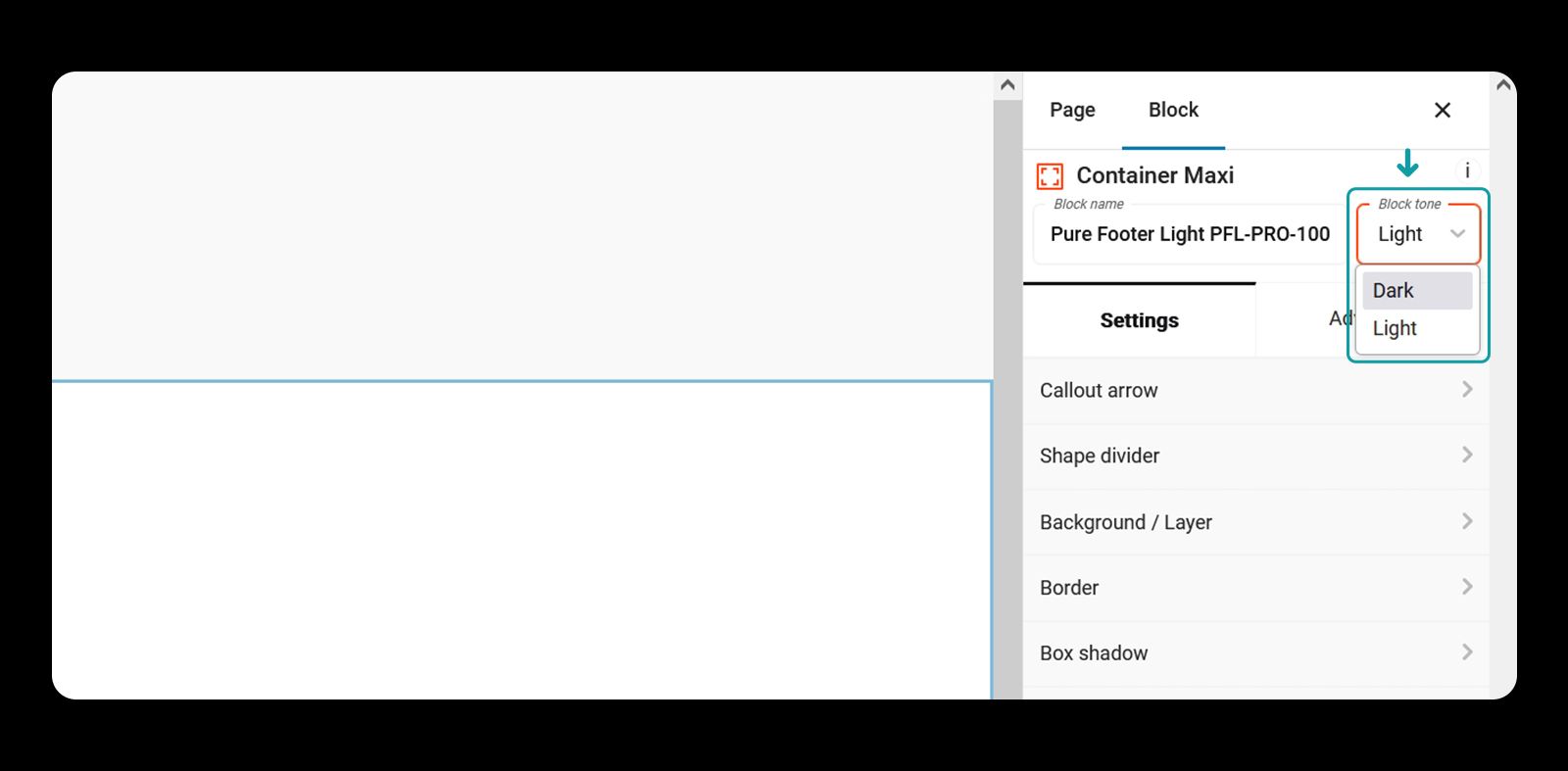
Select the container you wish to change the tone variant of and from the upper right corner choose the block tone you want.
Only containers' tone can be changed. Child elements automatically change the tone.
Select the container
Select the block tone
Change the tone
Before
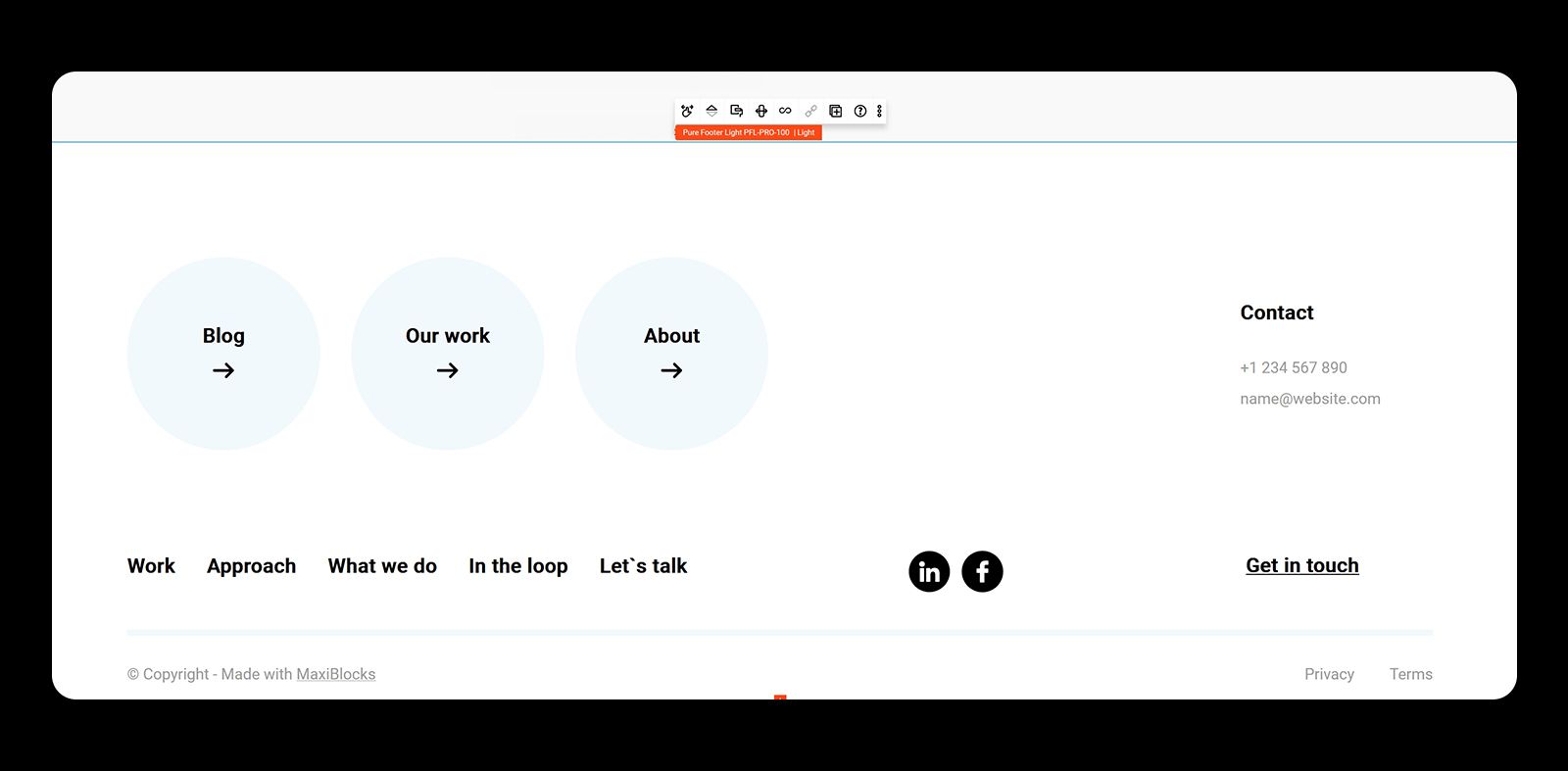
After