Importing Style cards
There are many pre-made style cards available in Maxi Blocks with different colour palettes and styles to choose from.
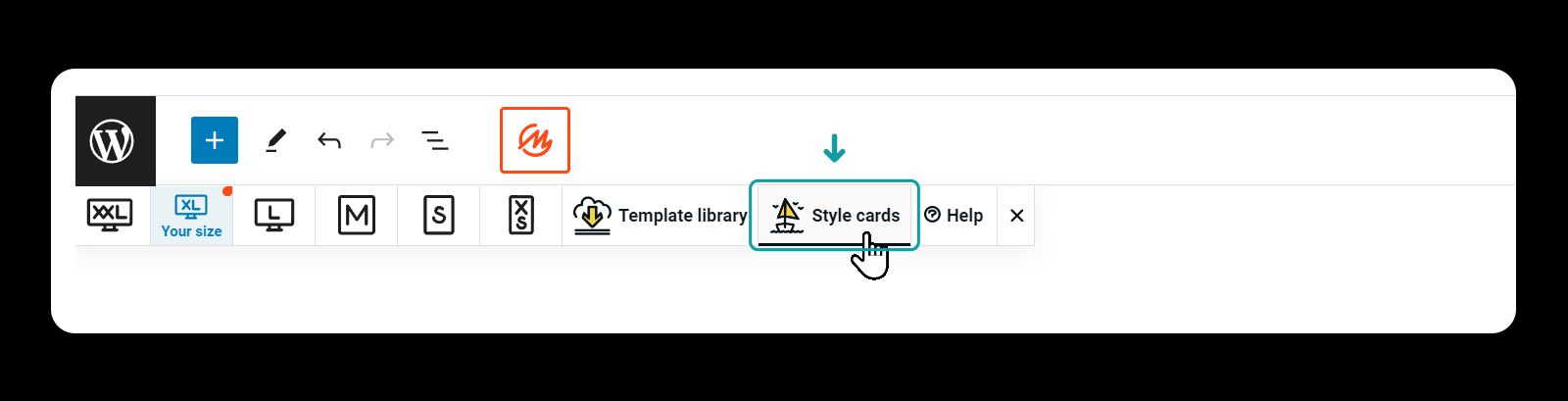
- Click the MaxiBlocks logo in the top menu

- Click the Style button to open the settings
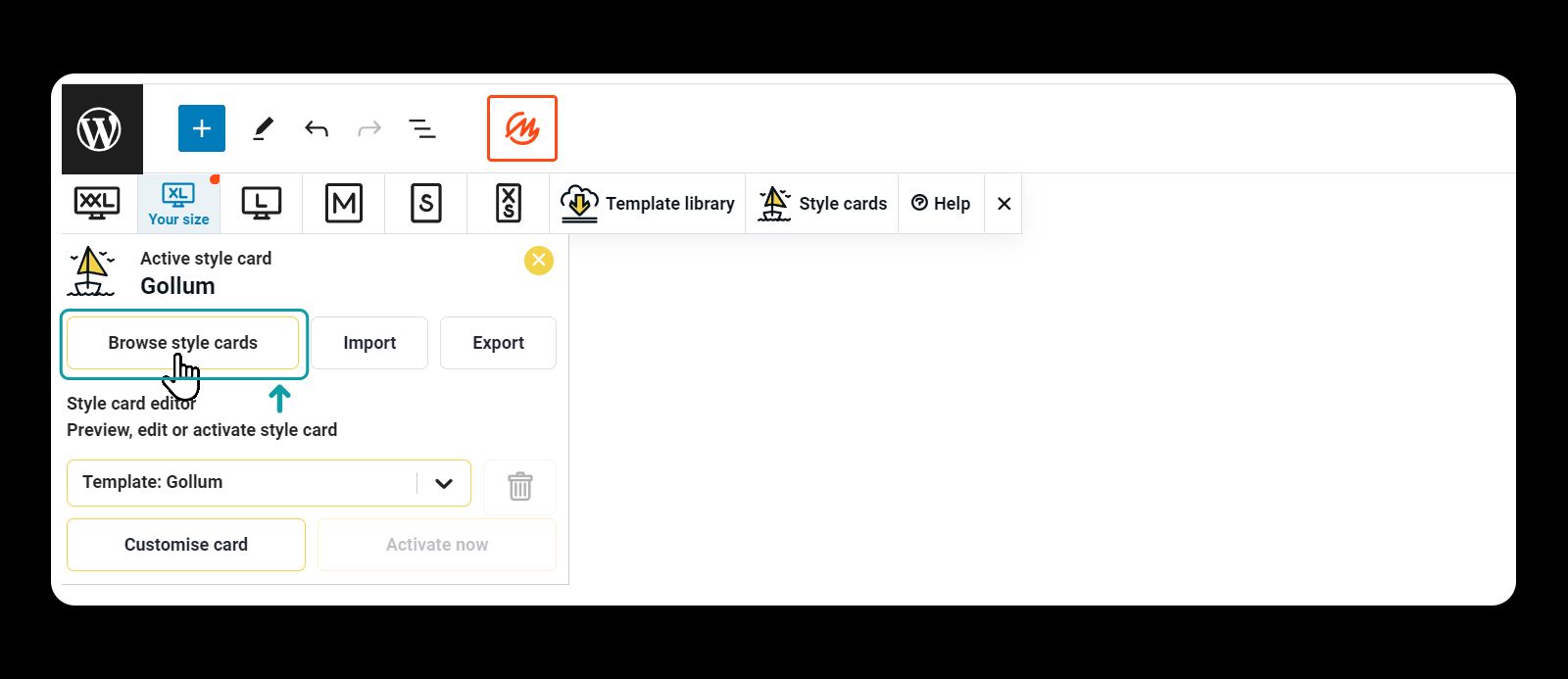
- Click browse Style Cards buttons
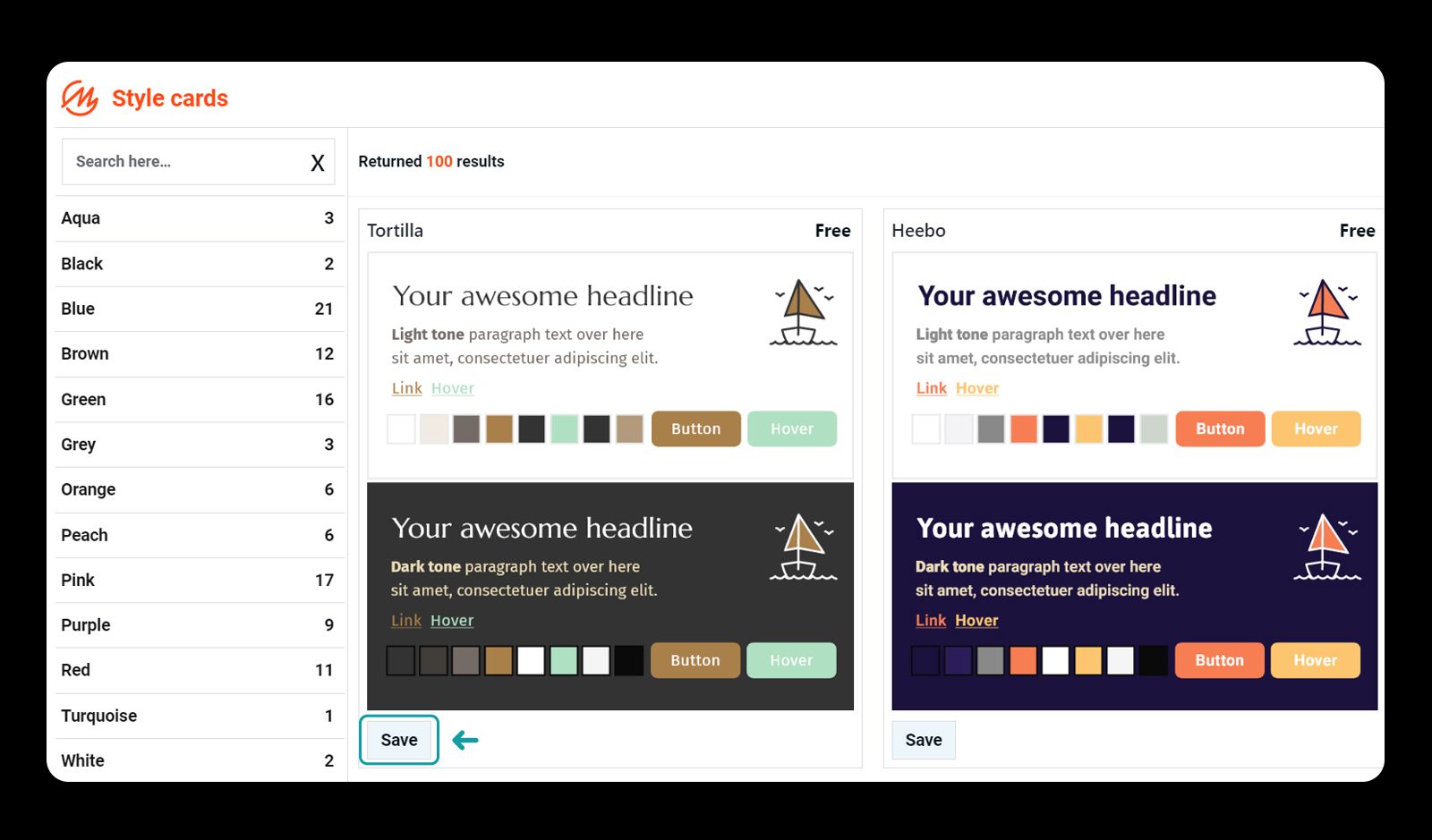
- Click the save button to save and load the Style Card
-
Click customise card
-
Give it a new name (this step is needed in case you need to revert to the original settings)
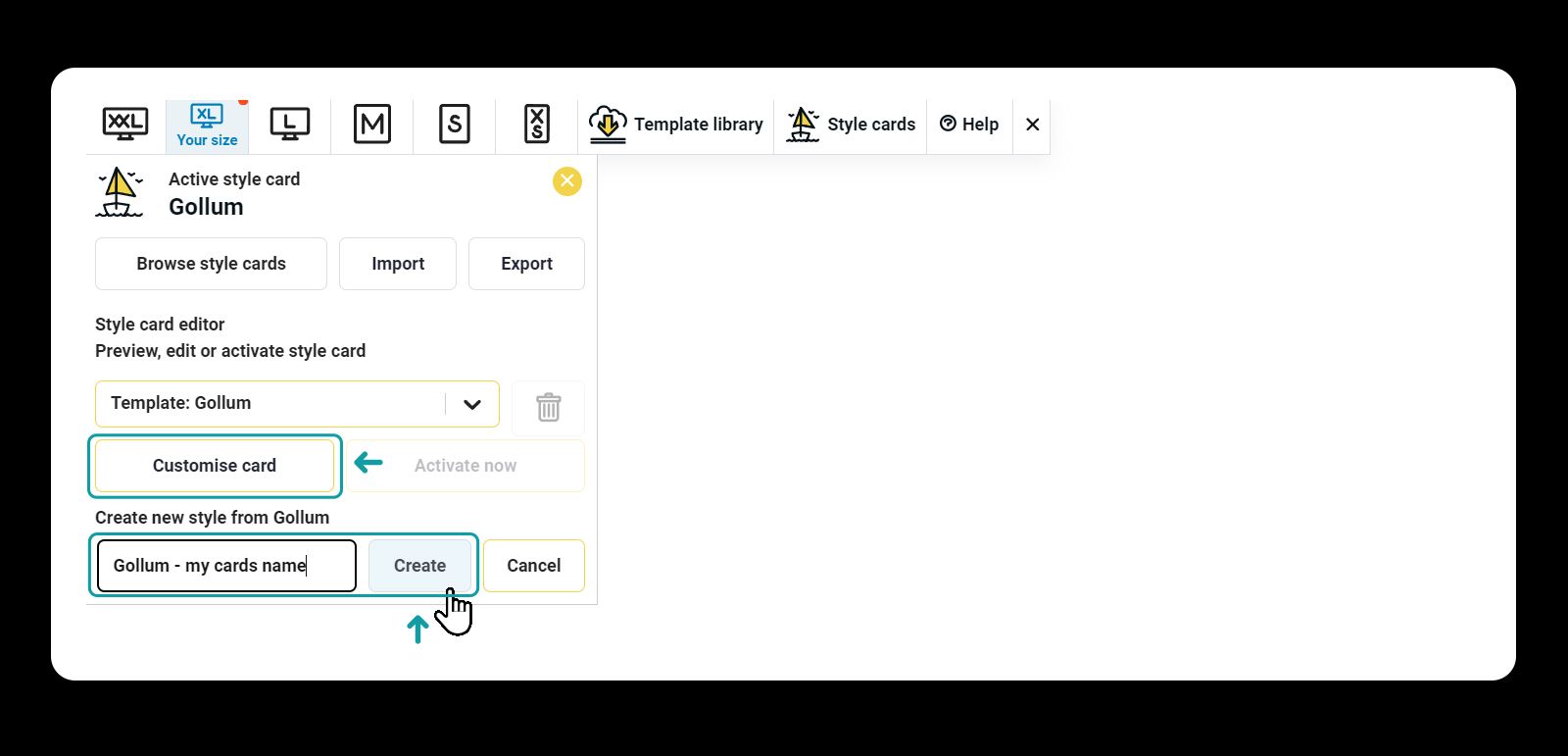
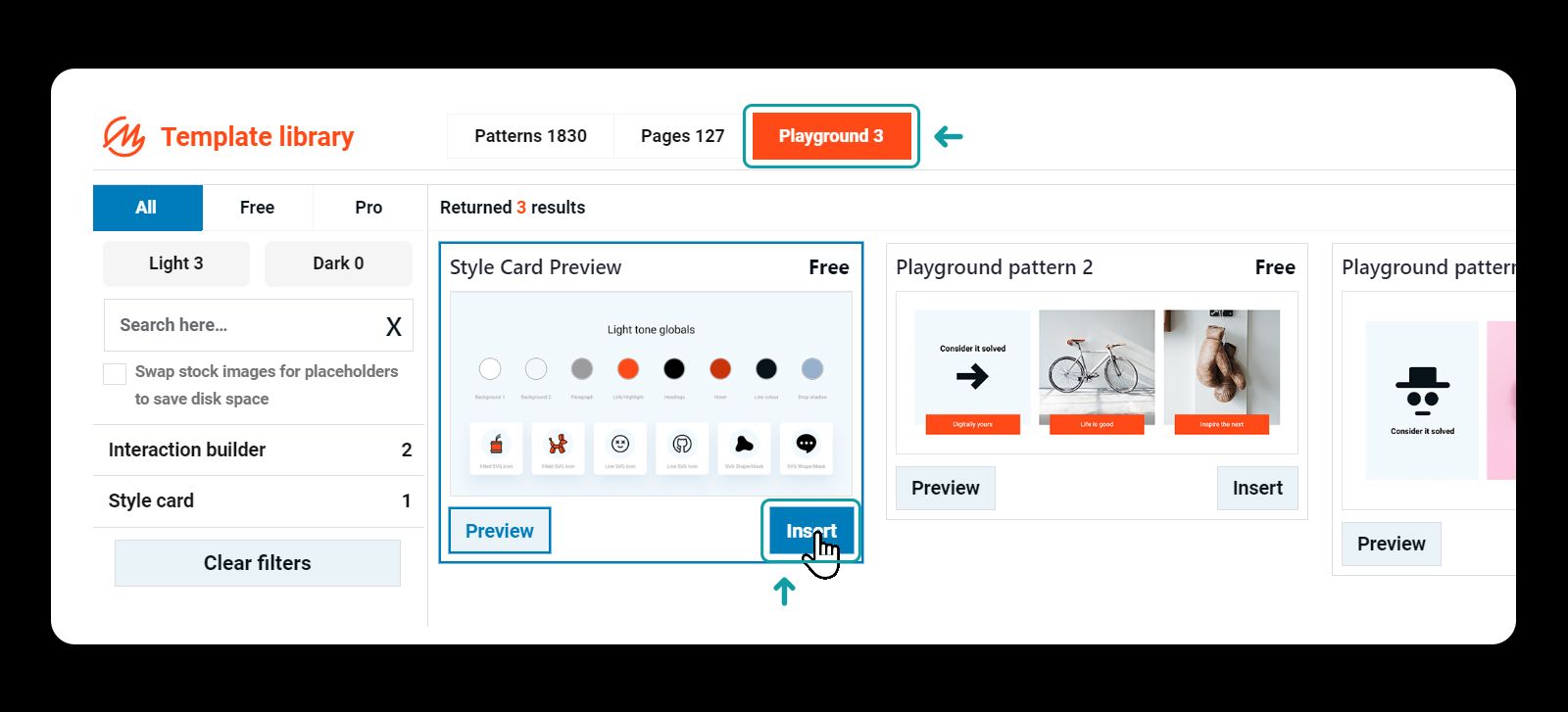
- Use the Style Card Preview as a starting point. Load it from the template library > playground
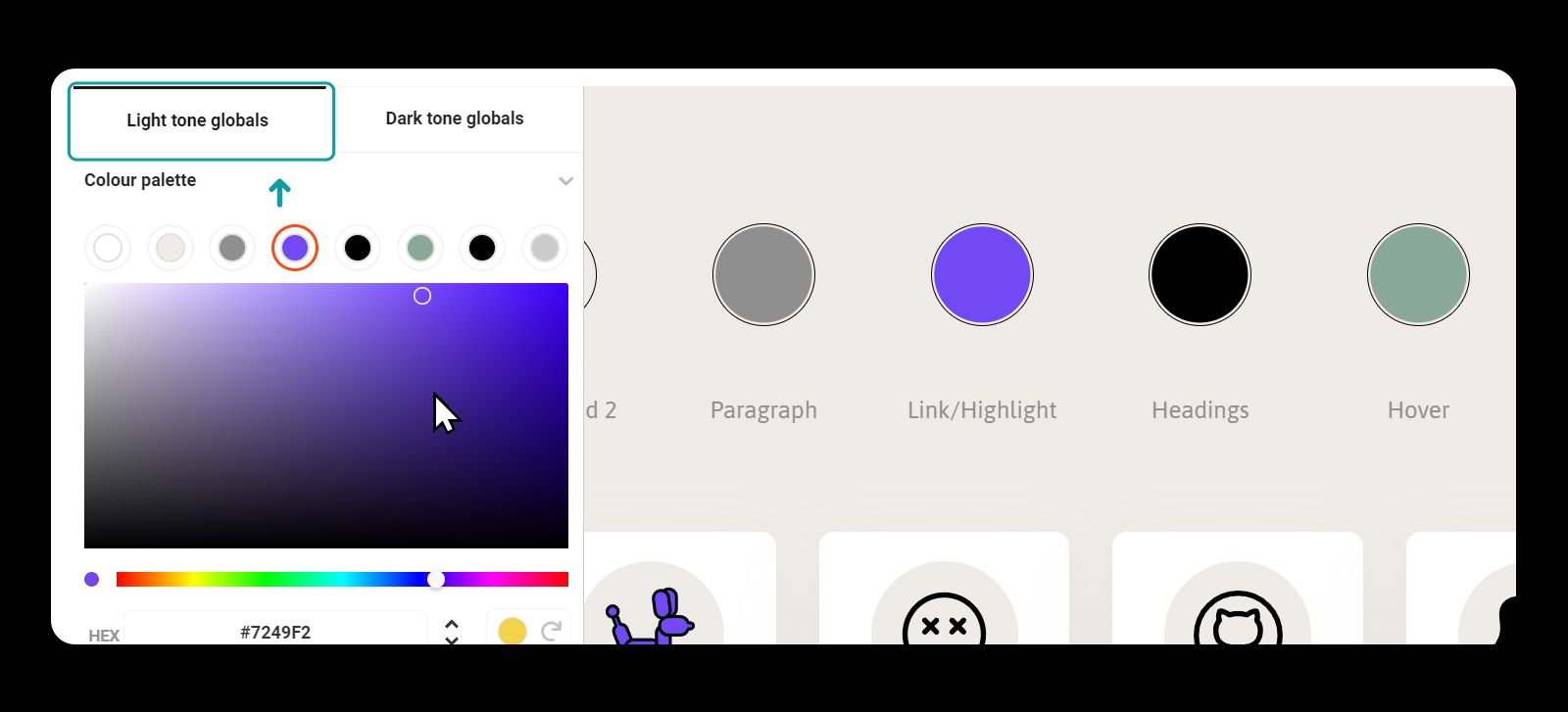
- Toggle between light and dark tone to customise your new card
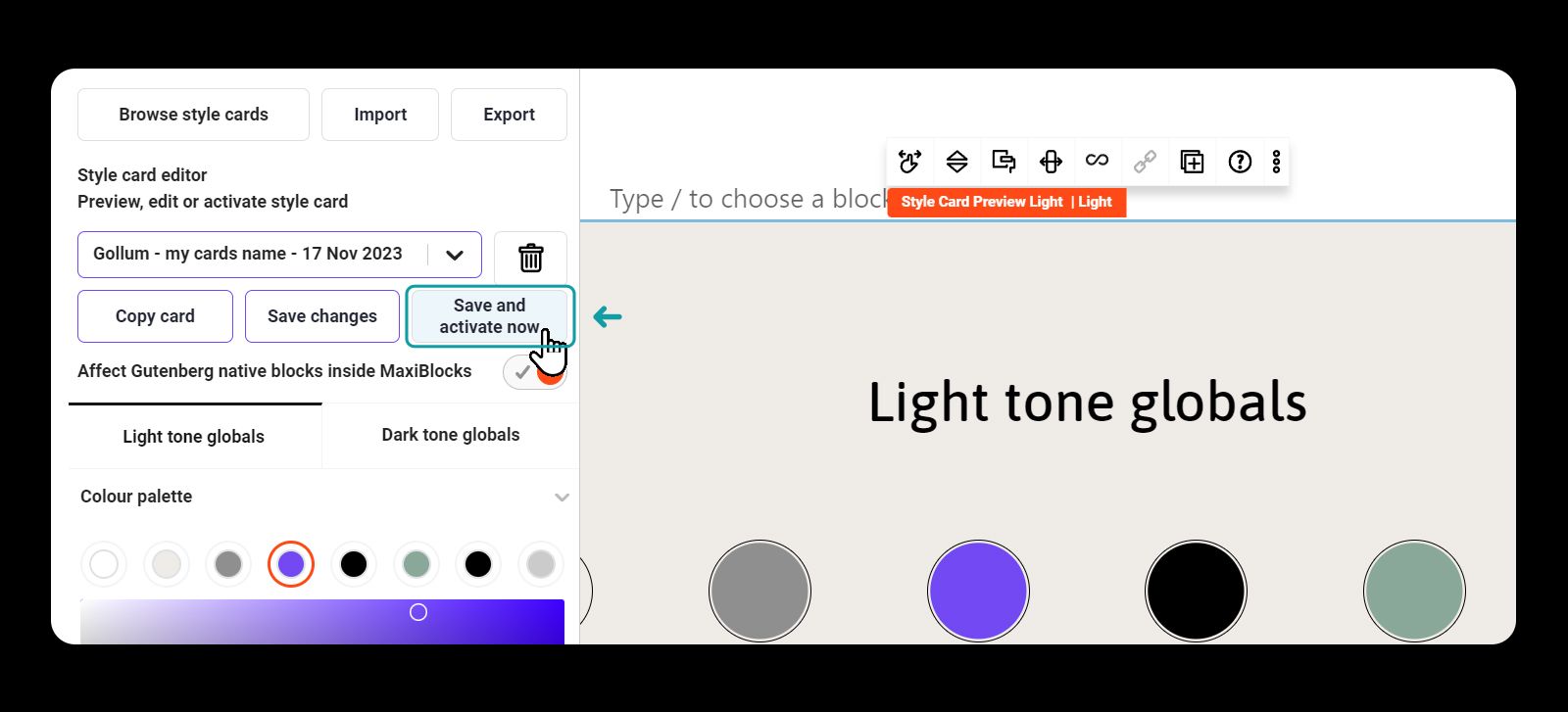
- Click on the "Save and activate now" button to apply the card site wide